
Vendor and payee management
Every vendor and payee, with the full story behind the balance
fiscal50 keeps your vendors in one Vendors list with each one’s credits, current balance and status. Icons on every row open that vendor’s dashboard, ledger and timeline, and the Action menu creates a bill, makes a payment or opens Advance Transactions. Advances paid to a vendor are held as credit and applied when their bill arrives. Vendors can be marked for 1099 tracking, and a vendor’s SSN is encrypted when saved and shown masked. Payees are everyone else you pay directly, such as employees, tax agencies and landlords, each with a type, their own transaction list and 1099 tracking; every vendor is also available as a payee.
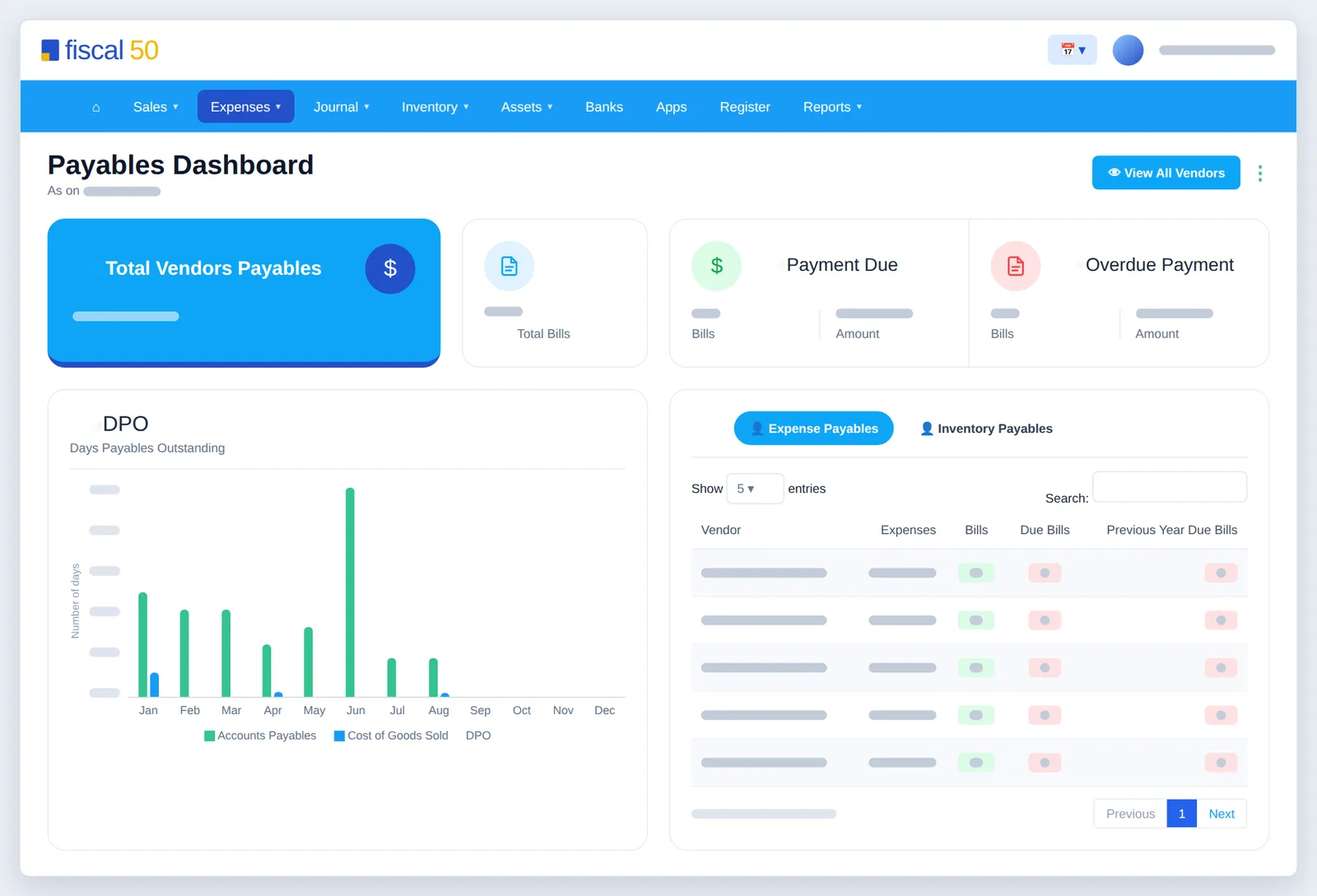
Vendor list
Every vendor in one list
Each row shows what you owe and the credit you hold, with one click to everything else about that vendor.
- DOJ, Credits, Current Balance and Status on every row
- A 1099 badge on vendors you track for Form 1099
- Dashboard, Ledger, Timeline, Edit and Pay Advance icons
- Action menu: Advance Transactions, Create Bill, Make Payment
- Import Vendors to bring in many at once
- Sort by Current Balance to see who you owe the most
 fiscal50
Vendor Dashboard
One vendor, everything at a glance
Click the dashboard icon on a vendor’s row to see what you spend with them and what is still open.
- What you spend with the vendor by month and for the year
- Pending bills, your credit with them and the amount due
- Where the money goes, by expense category
- All Expenses/Other Transactions and Bills tabs
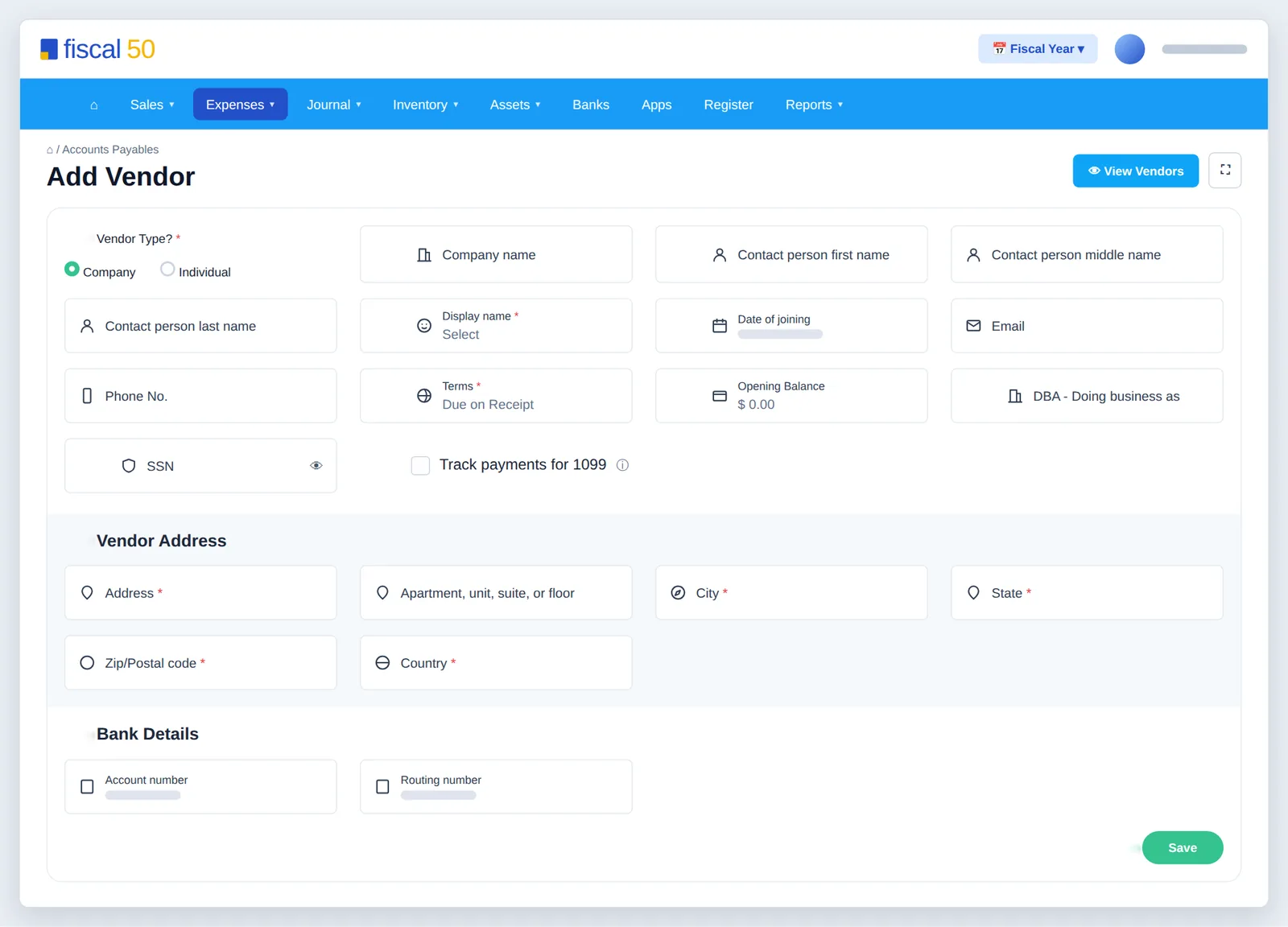
1099 vendors
1099 tracking and a protected SSN field
Mark a vendor for 1099 when you add them, and year-end filing starts from the right list.
- Track payments for 1099 puts the vendor in 1099 Filings with a badge
- The SSN is encrypted when saved, kept in a secure vault and shown masked
- Lists and reports show only the last 4 digits
- No SSN or EIN needed to add a vendor; collect a W-9 before you file
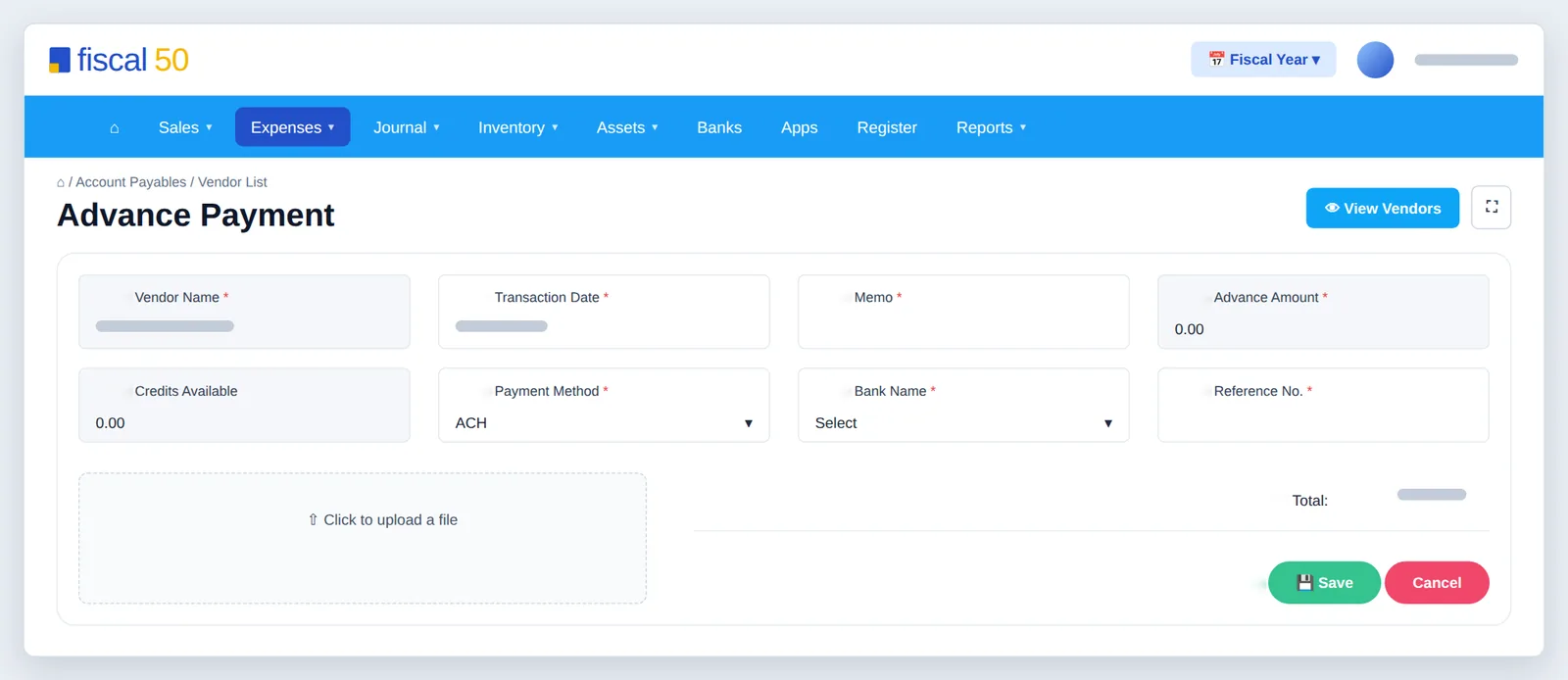
Vendor advances
Pay a deposit now, apply it to the bill later
Pay Advance records a deposit or prepayment as credit with the vendor. When their bill arrives, the advance is applied so you never pay twice.
| Account | Debit | Credit |
|---|---|---|
| Advance to Vendors | 200.00 | |
| Bank | 200.00 | |
| Total | 200.00 | 200.00 |
| Account | Debit | Credit |
|---|---|---|
| Accounts Payable | 500.00 | |
| Advance to Vendors | 200.00 | |
| Bank | 300.00 | |
| Total | 500.00 | 500.00 |
The expense itself is recorded with the bill.
Example amounts.
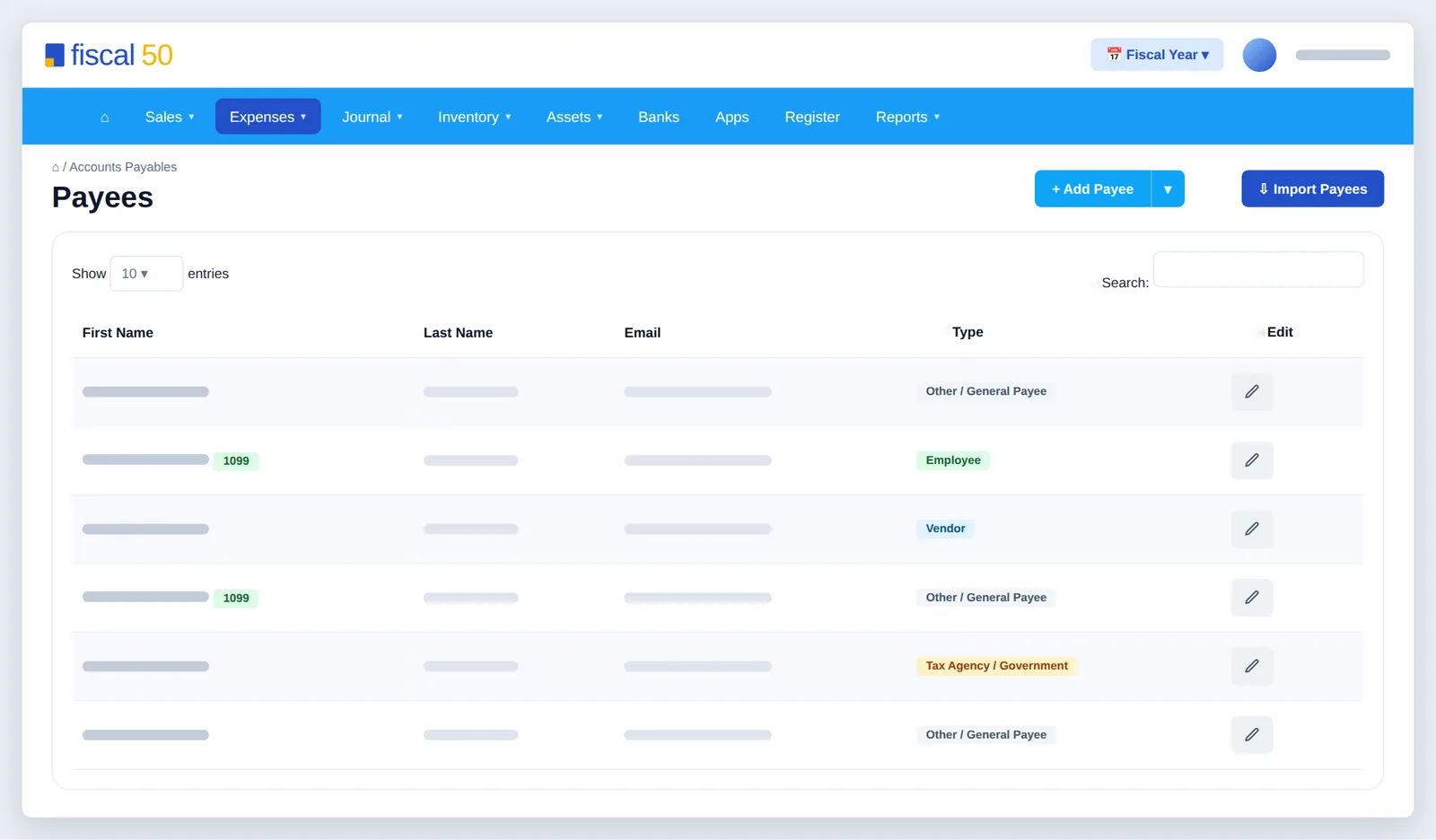
Payees
Pay anyone, with or without a bill
Payees are the people and agencies you pay directly, such as employees, tax agencies, landlords and one-off contractors. Every vendor is also available as a payee.
- Types: Vendor, Employee, Tax Agency / Government or Other / General Payee
- Add a payee with the full form or the quick add
- Payee Transactions lists every payment with its journal entry
- 1099 tracking works for payees too, with or without a TIN on file
- Edit a payee’s details at any time
How it works
Add a vendor
Open Add Vendor
Go to Expenses › Vendors and click + Add Vendor for the quick form, or the arrow next to it for the detailed form.
Name the vendor
Choose Company or Individual, enter the company and contact names, and pick or type the Display name used in lists, on bills and on checks.
Enter the tax ID
Enter an EIN for a company or an SSN for an individual. You can skip it for now and add it before you file the vendor’s Form 1099.
Set terms and opening balance
Choose Terms (Due on Receipt, Net 15, Net 30 or Net 60) and any Opening Balance you already owed. The detailed form also takes the address and bank details.
Turn on 1099 tracking and save
Switch on 1099 tracking if you may need to file a Form 1099 for the vendor, then click Save.
FAQ
Vendor and payee management: common questions
What is the difference between a payee and a vendor?
A vendor sends you bills to pay later. A payee is anyone you pay, usually directly without a bill, such as an employee, a tax agency or a landlord. Every vendor is also available as a payee.
What payee types are there?
Vendor, Employee, Tax Agency / Government and Other / General Payee. Payee Transactions lists every payment to a payee with its journal entry.
Is a vendor’s SSN kept secure?
Yes. It is encrypted when saved, stored separately in a secure vault and shown masked. Lists and reports show only the last 4 digits; the full number is used only when you generate the vendor’s Form 1099.
Do I need a vendor’s SSN or EIN to add them?
No. It is only needed before you file their Form 1099. Collect it on a Form W-9.
Is a vendor advance an expense?
Not yet. It is recorded as a prepayment asset. The expense is recorded when the vendor’s bill arrives, and the advance is applied to that bill.
Where do I upload a vendor’s bills and receipts?
On Expenses › Bill & Receipt Uploads, or by e-mailing them in. fiscal50 reads each document and attaches it to the matching bill, payment or bank transaction. See Bill and receipt uploads.
Related
Works well with
Bill and receipt uploads
Upload or e-mail bills and receipts; fiscal50 reads them and files each one.
Read moreBills and expenses
Vendor bills, emailed receipts, scheduled bills and vendor payments.
Read more1099 tracking
Track vendor payments for 1099-NEC and catch missing details early.
Read moreCheck printing
Print vendor checks on standard check stock, one or many at a time.
Read moreMake this the last month you do bookkeeping by hand.
Start free. Connect a bank. Watch the agents go to work.